
When it comes to live performance, the stakes are high. You’re not just playing music, you’re creating an experience for your audience. And if you’re considering incorporating backing tracks, patch automation, or MIDI control into your setup, you’ve probably come across two popular software options: Ableton Live and MainStage.
Both have their fans, and both have their strengths. MainStage is affordable and integrates seamlessly with Logic Pro X, making it a go-to for many musicians. But if you’re serious about reliability, control, and building a professional rig, Ableton Live is the clear winner. Let me break down why, and share a personal story with you about how MainStage let me down when I needed it most.
Reliability is Non-Negotiable
Let me start with a story. A few years ago, I was experimenting with a hybrid setup for live performance. I already knew Ableton was the backing tracks power house I needed to use, but I came from a Logic Pro workflow and all of my keys patches were already built inside Logic, so I set up Mainstage to handle patch sounds. I was using SoundFlower (a third-party internal audio routing tool) to send the audio from Mainstage into Ableton to gain better control over my tracks. I had seen this workflow work from others with ReWire and Reason into Ableton, so I knew Ableton could handle this. On paper, it seemed like the perfect solution: MainStage would handle my sounds, and Ableton would manage my backing tracks and automation.
But during the first song of the set, my rig crashed. Completely. I was left scrambling on stage, trying to troubleshoot while the rest of the band wondered what on earth was happening, where’d the click go, and trying to keep a smile and play it off like there was nothing actually wrong. It was a total nightmare. That moment taught me a hard lesson: reliability is non-negotiable when it comes to live performance software.
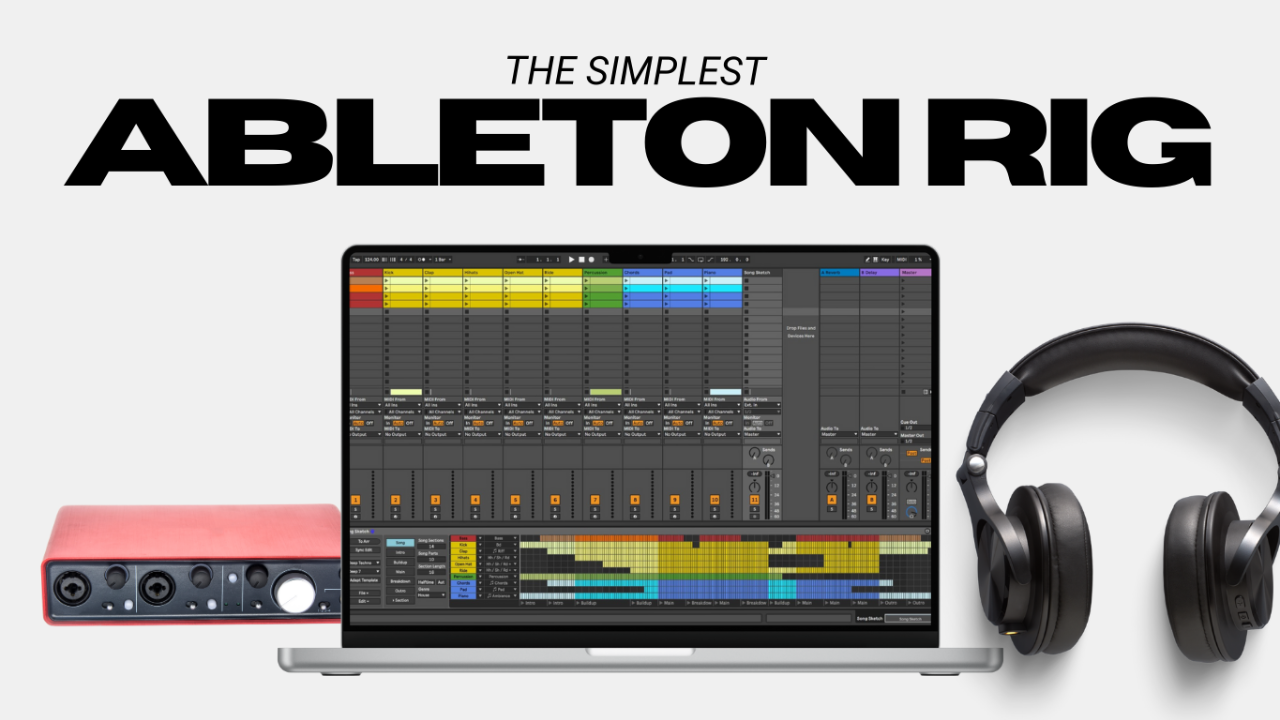
Here’s what I learned, MainStage can be great for simple setups, but it’s not built for the kind of complexity that many modern musicians require. It’s prone to crashes, especially when you’re running CPU-heavy plugins or relying on third-party tools like SoundFlower. It’s also just simply not the best solution for live backing tracks. They’re kind of implemented in an “after-thought” fashion into Mainstage, simply because Mainstage was never intended to be a complex backing tracks solution. Ableton Live, on the other hand, is rock-solid, and built from the ground up with the intention of being used as a live backing tracks rig… they literally called it “Live” for a reason haha.
And then there’s the fail-safe factor that many pro’s rely on. Ableton offers features like dual-computer redundancy, which means you can run a backup system in parallel with your main rig. If something goes wrong, the audience will never know. MainStage doesn’t offer anything close to this level of reliability.
There are a million other reasons Ableton Live is the best solution, but these are the hard lessons I had to learn.
When you’re on stage, you can’t afford to gamble with your software. Ableton Live gives you the confidence to focus on your performance, not your gear.
Control and Customization
One of the biggest advantages of Ableton Live is the level of control it gives you. Whether you’re running backing tracks, automating patch changes, or syncing your entire show, Ableton puts you in the driver’s seat.
For example, Ableton’s flexible routing options are a game-changer. You can route audio and MIDI in ways that MainStage simply can’t match. Want to send a click track to your drummer while keeping it out of the house mix? No problem. Need to automate patch changes, effects, and even lighting cues? Ableton has you covered.
And then there’s MIDI mapping. With Ableton, you can customize your controller setup to fit your exact needs. Whether you’re using a Launchpad, a Push, or a custom MIDI controller, Ableton makes it easy to create a rig that works for you.
MainStage, by comparison, feels limited. It’s great for hosting plugins and running simple setups, but it doesn’t offer the same level of control, flexibility, or growth in your setup. If you want to create a truly professional rig, Ableton Live is the way to go.
The Cost of Cutting Corners
Let’s talk about the elephant in the room: price. MainStage is undeniably more affordable than Ableton Live. At just $30 it’s a steal, especially for musicians who are already using Logic Pro X. But the thing we all know to be true is… you get what you pay for.
MainStage might save you money upfront, but it can cost you in the long run. Crashes, limited control, and time spent troubleshooting can all add up both financially and emotionally. And when you’re on stage, the last thing you want is to be worrying about whether your software is going to hold up.
Ableton Live is an investment, but it’s one that pays off in reliability, control, and peace of mind. Plus, its versatility makes it a better value over time. Whether you’re running a simple backing track setup or a fully automated show, Ableton can grow with you as your needs evolve.
Conclusion
When it comes to live performance software, the choice between Ableton Live and MainStage ultimately comes down to your priorities. If you’re looking for an affordable, straightforward solution for hosting plugins and running simple setups or patch changes, MainStage might do the trick. But if you’re serious about reliability, control, and creating a professional rig, Ableton Live is the better choice.
It’s an investment in your music, your performance, and your peace of mind.
If you're ready to take the first steps towards utilizing backing tracks or automation live, you'll want to download my guide here I created specifically for you to get started with a playback system that you can build and trust, exactly like the pro's use.
What’s your experience with Ableton Live or MainStage? Have you had any live performance disasters or success stories? I’d love to hear about them in the comments! Even if you think I’m crazy or short-sighted with MainStage, let me have it! I want to know what’s working for you.
Author