If you’ve ever felt like your tone just isn’t cutting it, like something’s missing no matter how much you tweak your settings, I feel you. And the cold hard truth is this:
The gear matters.
Yep. I said it. There’s a lot of advice out there saying you can make anything sound great if you just ‘learn how to do it right.’ But let’s get real for a hot second here: when you sound like a million bucks, you feel like a million bucks. And that confidence changes everything about how you play.
That’s why dialing in your amp sim isn’t just about finding a tone that “just works”, it’s about creating a tone that inspires you to play your best. In this post, I’m going to show you how to craft a killer amp sim tone that’ll make your guitar or bass sound (and make you feel) like a pro every time you plug in.
1. How to Find the Right Amp Model
Choosing the right amp sim starts with knowing what kind of tone you’re after. If you already have a favorite amp or style in mind, you’re ahead of the game. But if you’re not sure, here’s a simple way to figure it out:
Think about the artists or songs that inspire you. What tone are you chasing? Take some time with this, and if necessary, invest in something that will actually get you the sound that you want. Google or ask ChatGPT what gear that artist uses live. Nine times out of ten, this will point you in the right direction. Sure, some players use multiple amps for different tones—one for clean, one for overdrive, or even a blend of both—but don’t overthink it. Just pick one amp to start with that gets you close to the tone you’re after.
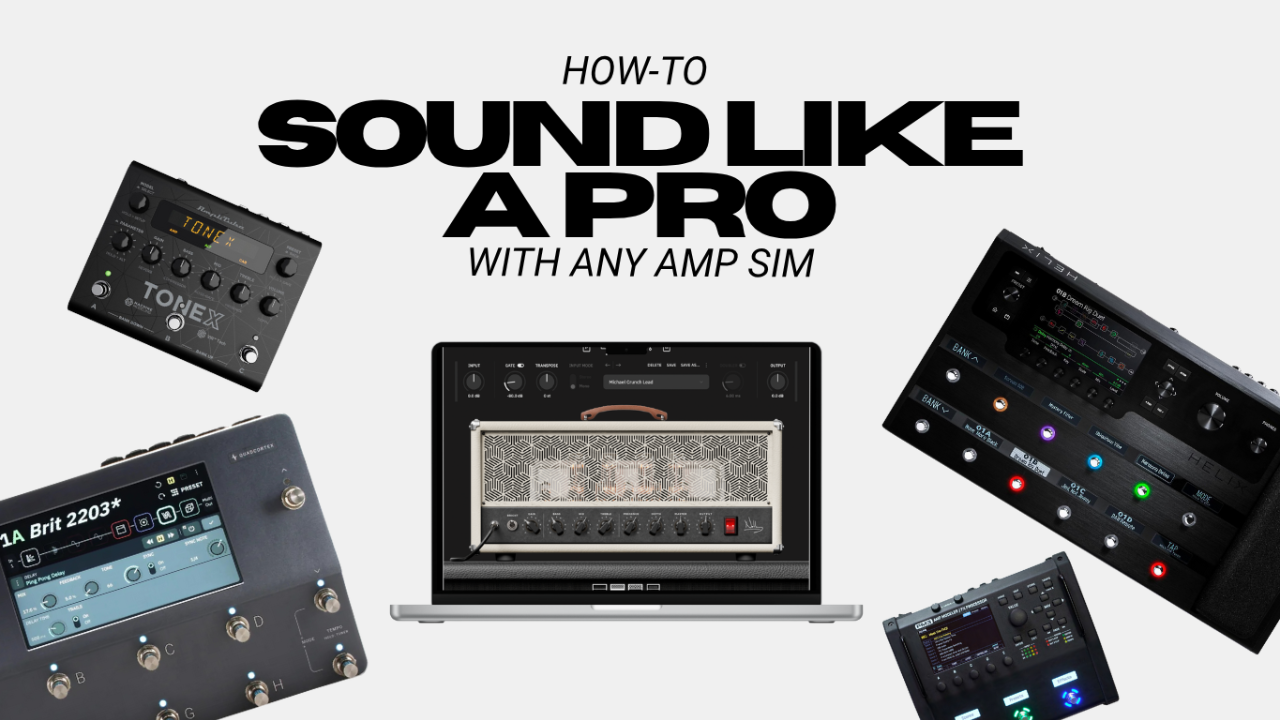
If you’re using something like a floor modeler (Quad Cortex, Helix, ToneX, etc.), you’ve already got an entire locker full of amp models at your fingertips. If not, you might need to dig a little to find a sim that matches your dream amp. And hey, if the exact amp isn’t available, don’t sweat it—go for the next closest style. Remember, it’s about capturing the vibe, not cloning it perfectly.
2. Dialing in the Amp Model and Choosing an IR
This is where the fun begins (please tell me you read that in Anakin Skywalker’s voice): Tweaking the amp settings. Most amp sims come with presets, and I highly recommend flipping through them first. Find one that’s close to what you want, then tweak it to taste.
Focus on these four knobs:
- Gain
- Bass
- Mids
- Treble
These are your main tone-shaping controls. Use your ears, not your eyes. Amp sims don’t always react like the real thing, so don’t be afraid to crank a knob all the way up or down if it gets you the sound you want.
Pro Tip: Amp sims often handle treble differently than real amps. In a live setting, too much treble can make ears bleed, but in a controlled environment like recording, you can usually push it further without it getting harsh.
Once you’ve got a solid base tone, it’s time to mess with IRs (Impulse Responses). Think of IRs as the cabinet and mic setup for your amp sim. They can completely transform your tone. Some IRs will add clarity, while others might emphasize different frequencies. Flip through your options, pick the one that sounds best, and then go back to tweak your amp settings if needed.
3. Post-Processing Effects
Now we’re getting into the magic sauce. Your tone should already sound good, but this is where you take it from “usable” to “pro-sounding.” And no, I’m not talking about slapping on a fuzz pedal or delay. I’m talking about the tools mix engineers use to polish a tone. Here are my top three:
Equalization (EQ)
EQ is your best friend for tone shaping. Here’s how I use it:
- High Pass Filter (Low Cut): Cut everything below 70-120Hz. This clears out the mud and leaves room for the bass and kick drum. Find the sweet spot by dialing this up until you start to notice the low end in your tone disappear, then dial it back slightly where the low end still feels full, but doesn’t go crazy on you.
- Low Pass Filter (High Cut): Cut everything above 4.5k-10kHz. Those frequencies are just noise for a guitar tone, especially in a mix. Higher gain tones can handle more cut.
- Subtractive EQ: There’s always a problem frequency somewhere. Boost a narrow EQ band by 12dB and sweep it around until you find the spot that makes your ears hurt. Then cut it by 4-12dB. Common culprits are 250-400Hz (boxy and bloated) and 700-900Hz (nasally or honky).
Compression
This is the big one. The actual secret sauce. Compression is the glue that makes your tone feel alive. It helps your amp sim react more like a real amp, which in turn is more inspiring to play. Here’s a starting point for settings:
- Ratio: 4:1
- Threshold: -15dB
- Attack: 3.5ms
- Release: 200ms
This is a subtle effect, but it makes a huge difference in how the amp sim feels under your fingers.
Reverb
Amp sims can feel sterile, especially in headphones. Adding a touch of room or hall reverb brings life back into the tone. My go-to is Valhalla Vintage Verb with these settings:
- Decay: 0.80s
- Mix: 15-20%
- Pre-Delay: 20ms
Bonus Effect: Soothe2 by Oeksound
This one’s optional, but if you’re dealing with harsh digital tones, Soothe2 is a game-changer. It’s like an AI-powered EQ that dynamically tames problem frequencies in real time. It’s especially useful for DI guitar signals. Just a heads-up—it’s resource-heavy, so I wouldn’t recommend it for live use.
There you have it. Now you’ve got all the tools you need to craft a tone that not only sounds great but feels great to play. From choosing the right amp model to dialing in your settings and adding that final polish with post-processing effects, every step is about one thing: inspiring you to play your best.
And here’s the thing, don’t let anyone tell you that gear doesn’t matter. It does. The right tone can transform how you connect with your instrument, how you perform, and ultimately, how much you enjoy playing. So invest in your sound, even if it’s not money invested, at least take the time to dial it in, and don’t settle for anything less than a tone that makes you feel like playing for hours on end.
Now it’s your turn: What’s your go-to amp sim setup? Drop it in the comments, let’s talk shop! I am always down to nerd out over gear with you!
Author