
Latency. It’s the one thing that can take your amp sim experience from “this is amazing” to “why does this sound like garbage?” You’re jamming out, but there’s this annoying lag between when you hit a note and when you hear it. It’s like your guitar is stuck in slow motion. Frustrating, right?
The good news? Latency is fixable. And in this post, I’m going to show you exactly how to optimize your setup so you can play in real-time without any hiccups. Whether you’re using amp sims for recording or live performances, these tips will help you eliminate latency and get back to what matters: making music.
What Causes Latency?
Before we fix it, let’s talk about what’s causing it. Latency happens when there’s a delay in processing your guitar’s signal. Here are the main culprits:
- Buffer Size: A higher buffer size reduces CPU strain but increases latency.
- Audio Interface Quality: Cheap or outdated interfaces can slow things down.
- Cables and Connections: Poor-quality or long cables can add milliseconds of delay.
- CPU Load: Running too many plugins or using an underpowered computer can bog things down.
Imagine your guitar signal is like a car trying to get through traffic. The more cars (tasks) on the road, the slower everything moves. If your computer is overloaded with plugins or running on an underpowered CPU, it’s like rush hour—everything gets backed up, and your signal takes longer to reach its destination. By optimizing your setup, you’re essentially clearing the road and giving your signal a fast lane.
How to Adjust Buffer Sizes and Optimize Settings
The first step to reducing latency is adjusting your buffer size. Most amp sims/audio processing software have a settings menu where you can tweak this. For live playing, aim for a buffer size of 64 or 128 samples. This keeps latency as low as possible.
But here’s the trade-off: Lower buffer sizes mean less latency but more strain on your computer. If you’re still getting crackles or pops, try closing other programs and using less plugins to free up CPU power.
Some software may have a “Low Latency Mode” (like Logic Pro) that will actually turn off CPU heavy plugins for you automatically. This isn’t a necessary setting to utilize, but I’ve found it can be helpful in determining if there’s a particular plugin causing you issues. At the very least, it can help locate a problem that you can then try to find an alternative approach to.
Choosing the Right Interface and Cables
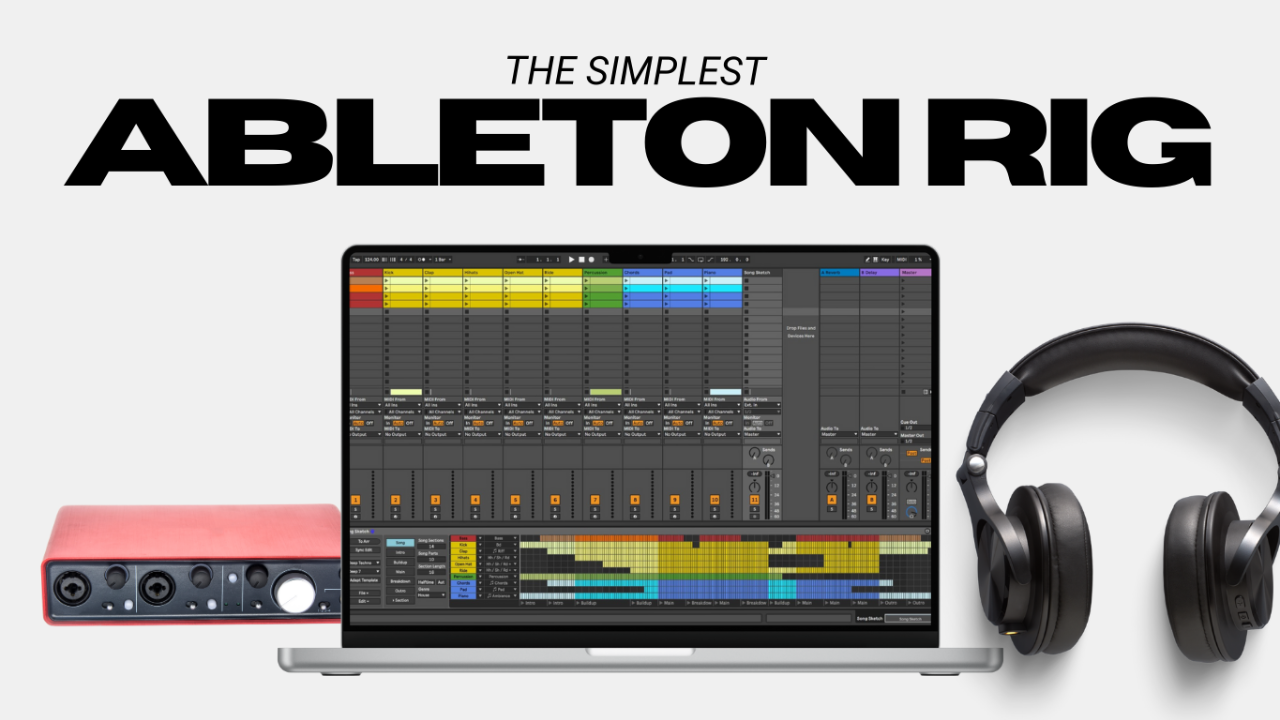
Your audio interface is the middleman between your guitar and your computer. A good one processes your signal faster, reducing latency. Here are a few solid options:
- Behringer U-Phoria UMC22 (affordable and reliable).
- Focusrite Scarlett series (affordable and reliable).
- Audient iD4 Mkii (this would be my recommendation for most)
- Universal Audio Apollo Twin (higher-end but feature rich).
And don’t forget about cables. Invest in high-quality, short cables. The longer the cable, the more time it takes for your signal to travel. Cheap cables can contribute all sorts of issues, latency is one of them.
Bonus Tips for Reducing Latency
Here are a few extra tricks to optimize your setup:
- Keep Your Drivers Updated: Outdated drivers can cause latency issues.
- Use a Dedicated Audio Driver: If you’re on Windows, download and use ASIO drivers for better performance.
- Minimize Plugins: Stick to the essentials when playing live.
- Upgrade Your Computer if Needed: Amp sims are resource-heavy, so older machines might struggle.
Play in Real-Time, Every Time
Latency doesn’t have to ruin your experience with amp sims. By tweaking your buffer size, investing in the right gear, and optimizing your setup, you can play in real-time without any lag.
I always will recommend optimizing these settings before going shopping for the next latest and greatest piece of gear. That isn’t to say your gear won’t contribute to latency, but optimizing these first will get your rig set up to the best of its capabilities.
If you’re ready to take your laptop rig to the next level, if you haven’t already, grab my free guide on setting up a killer laptop rig for guitarists here.
Author