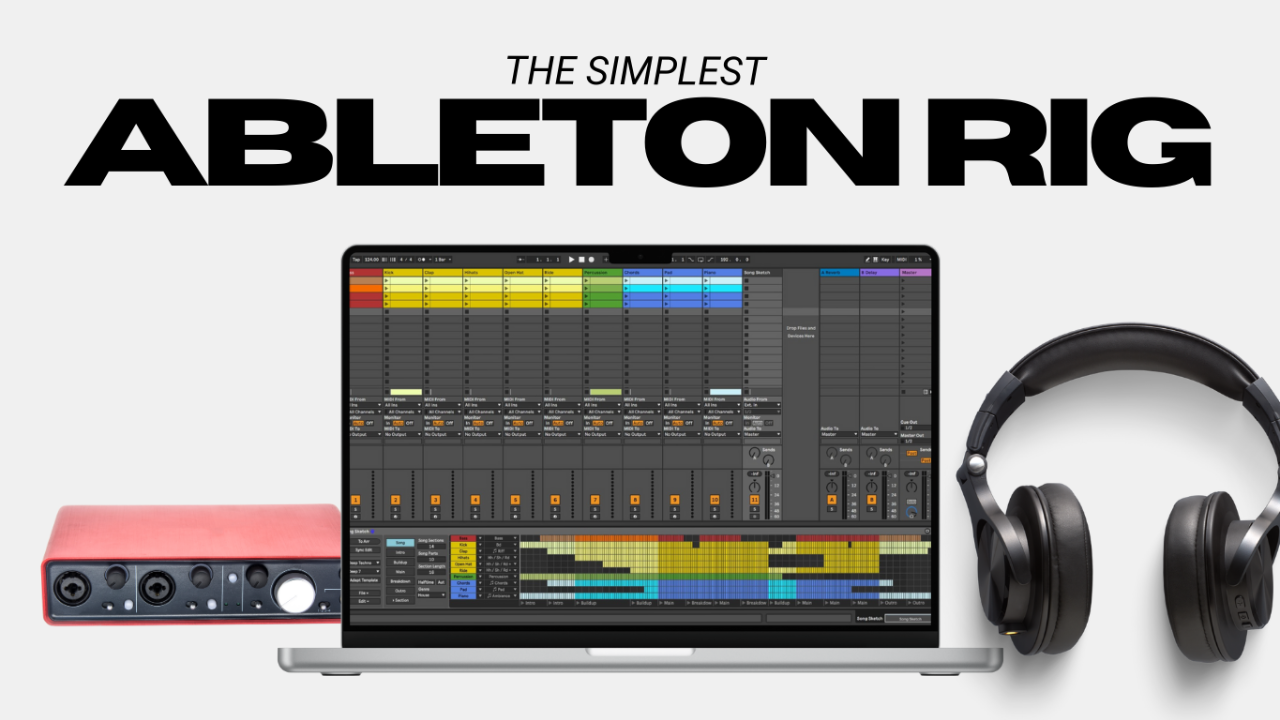

You’ve got your gear sorted, and now it’s time to take it to the stage. But let’s be real, playing live with a laptop rig can feel a little intimidating at first. What if something goes wrong? What if there’s latency? What if your laptop decides to update mid-set?
The good news? With the right setup and a few key strategies, you can create a stage-ready rig that’s reliable, flexible, and makes your live performances unforgettable. In this post, I’ll walk you through setting up your rig, using MIDI controllers for seamless patch changes, and avoiding the most common pitfalls that trip up live performers.
Setting Up a Reliable Stage-Ready Rig
Here’s how to make sure your laptop rig is ready for the stage:
- Optimize Your Laptop for Live Use:
- Disable energy-saving features to prevent CPU throttling.
- Quit unnecessary apps to free up resources (including WiFi and Bluetooth).
- Use a dedicated power supply. Don't rely on battery power during a show. Please, just… don’t.
- Secure Your Connections:
- Use high-quality cables and secure them with cable ties or gaffer tape to prevent accidental disconnections.
- Route cables neatly to avoid interference and tripping hazards.
- Backup Your Setup:
- Have a backup USB drive with your presets and session files.
- Consider a secondary device (like a tablet or modeler pedal) with a basic amp sim as an emergency backup.
Using MIDI Controllers for Patch Changes
MIDI controllers are game-changers for live performance. I could (and likely will) do an entire series on MIDI integration and all the ins and outs of it, but for now; Imagine switching between clean and distorted tones, triggering backing tracks, or even controlling effects—all with a single tap. MIDI Controllers are the secret to quick and easy tone adjustment on the fly. If you’re coming from a pedalboard or channel switcher, this will feel right at home for you.
1. Choose the Right MIDI Controller:
- Affordable options like the Disaster Area MIDI Baby 3 or IK Multimedia iRig Blueboard.
- Look for controllers with programmable buttons and sturdy build quality.
My favorite MIDI controllers are from Morningstar Engineering. Definitely check out their offerings if you’re in the market for a controller. These are easily the most programmable and user friendly ones I’ve used. Honorable mention: RJM Music Technology makes incredible controllers as well.
2. Set Up MIDI for Your Rig:
- Have your tone presets ready to go in your amp sim software. Some people use 2-5 patches throughout their entire set, some people have a patch (or two, or three… etc.) per song. Do whatever works best for you.
- Map your patches in your amp sim software to specific MIDI commands. Some controllers come with pre-programmed messages per switch, others you have to manually set up which switch sends which message.
- Test your MIDI setup thoroughly before the show to ensure smooth transitions. Remember, you may also need to re-notify your software that your MIDI controller is connected when you get to your venue and get set up. As long as you have your settings saved and pull open that file, your mappings should all work as intended.
Avoiding Common Live Performance Pitfalls
Even the best setups can run into issues. Here’s how to avoid the most common pitfalls:
- Latency Issues:
- Keep your buffer size low and test your setup in a live environment before the gig.
- Overcomplicating Your Setup:
- The simpler your rig, the fewer things can go wrong. Stick to the essentials and avoid unnecessary complexity.
- Not Testing Your Rig in Advance:
- Always rehearse with your full setup, including your laptop, interface, and MIDI controller.
- Ignoring Stage Ergonomics:
- Place your laptop and controller within easy reach. A laptop stand is a good option, but I prefer to keep the laptop towards the back of the stage away from people if possible.
Take the Stage with Confidence
With a reliable setup, seamless patch changes, and a few smart strategies, you’ll be ready to rock the stage with your laptop rig.
And if you’re serious about mastering your live rig, if you haven’t already, grab my free guide on setting up a pro-level laptop rig for guitarists here and you’ll be on your way.
Author