So, you’re ready to build your laptop rig, but your wallet’s telling you to slow down. I feel you. Gear can get expensive quickly. Between interfaces, amp sims, and accessories, it’s easy to feel like you need to spend thousands just to get started.
The good news? You don’t have to. With the right budget-friendly gear, you can create a rig that sounds amazing without maxing out your credit card. In this post, I’ll show you how to build a complete laptop rig for under $500, plus tips to squeeze every ounce of performance out of your gear.
I'm going to assume 2 things in this build: 1) you already have a guitar, and 2) you already have a laptop.
The Budget Laptop Rig Starter Pack (Under $500)
Here’s everything you need to get started with a laptop rig that’s affordable and effective:
1. Audio Interface:
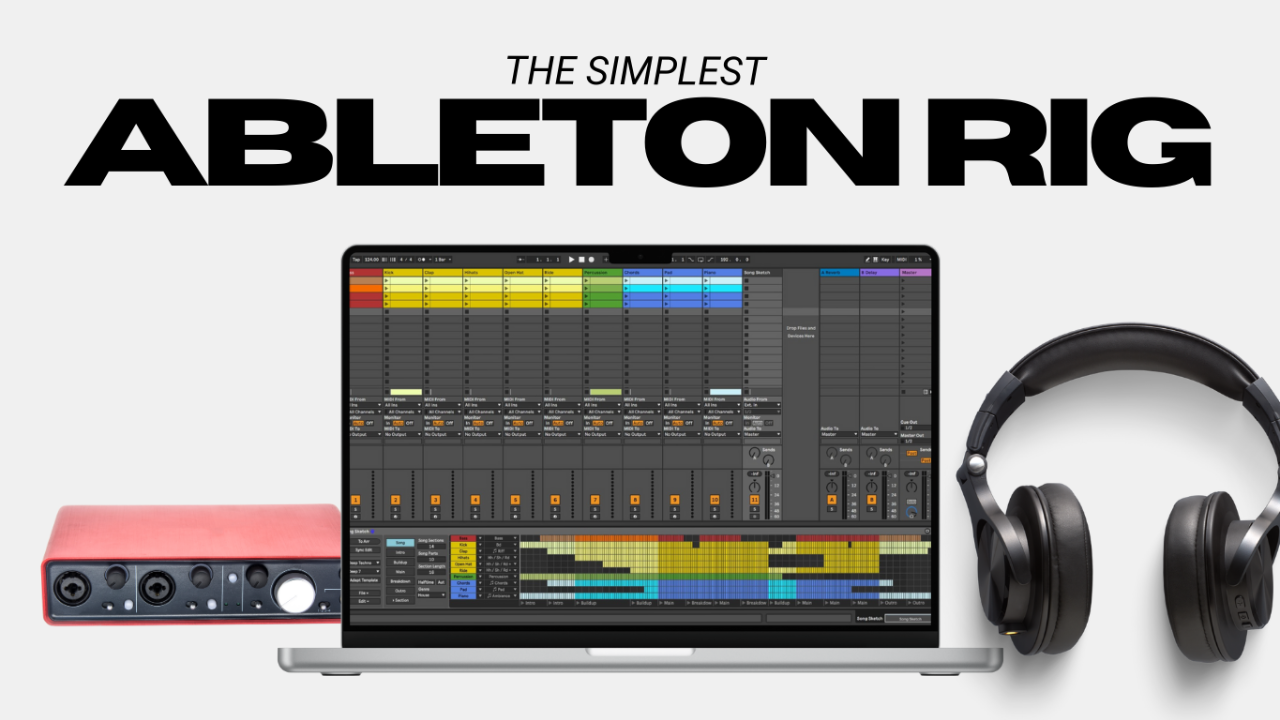
Behringer UMC22 ($69): Super budget-friendly without sacrificing too much quality. They could (and should) charge double for this thing.
2. Amp Sim Software:
AmpliTube CS (Free with paid add-ons): Great for experimenting with tones on a budget. The paid Max version is also incredible and well worth the purchase price of $299. ToneX plugin is also a great option, but it’s a little less feature-rich compared to AmpliTube. Both are great options.
Neural DSP Free Trial ($130): Aimed mainly at high gain players, but with options for non-high gain enthusiasts as well. These plugins are some of the best on the market in my opinion. Most of them have a free 30 day trial so you can try them out and see what you like.
3. Headphones and/or Monitors:
Audio-Technica ATH-M20x ($49): Affordable and solid for monitoring.
KRK Kreate 3 ($179): Sound nice and great for starting out.
4. Cables:
High-quality instrument cable ($20).
2 High-quality speaker cables (if monitors are purchased) ($44)
Total Cost: Right around $500 USD or less
Tips for Getting the Most Out of Budget Gear
Even with affordable gear, you can maximize your setup with these tips:
- Optimize Your Signal Chain: Keep your cables short and your connections solid to avoid noise.
- Leverage Free Software: Start with free amp sims like AmpliTube Custom Shop or Neural DSP’s free trials to explore tones without spending a dime.
- Upgrade Strategically: When you’re ready to invest more, focus on upgrading one piece at a time. Start with your interface or headphones—those will give you the biggest improvement.
Common Mistakes to Avoid
- Overloading Your CPU: Budget laptops can struggle with too many plugins. Quit all other applications and tasks (including WiFi) when possible.
- Ignoring Latency Settings: Even with budget gear, tweaking your buffer size can make a huge difference in performance.
- Buying Cheap for the Sake of Cheap: There’s a difference between affordable and downright cheap. Invest in gear that’s reliable, even if it costs a little more upfront.
Build Your Rig Without Breaking the Bank
You don’t need to spend a fortune to build a great laptop rig. With the right gear, you can get pro-level results on a budget.
And if you’re ready to take the next step and need some guidance setting everything up, if you haven’t yet, grab my free guide on setting up a killer laptop rig for guitarists. It goes into all the nitty gritty details on how to get it set up, what settings to use, and how to fix any issues if anything goes wrong. Check it out here.
Author